
How do I set a course thumbnail?
Published on: 04/11/2026
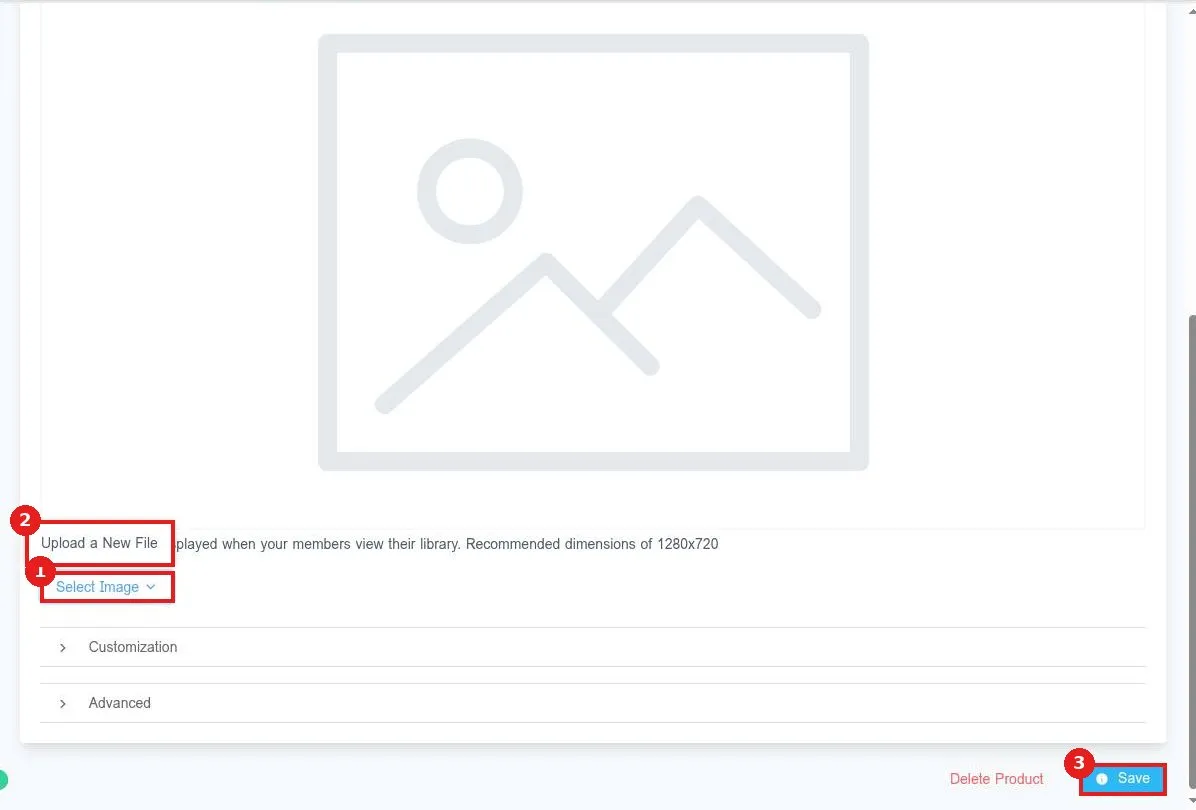
Set a course thumbnail in Reachific: go to Memberships, Courses, Products, open the course, click Details, scroll to Product Thumbnail, click Select Image, upload a 1280 by 720 image, then click Save.
course thumbnailcourse imagecourseshelp center